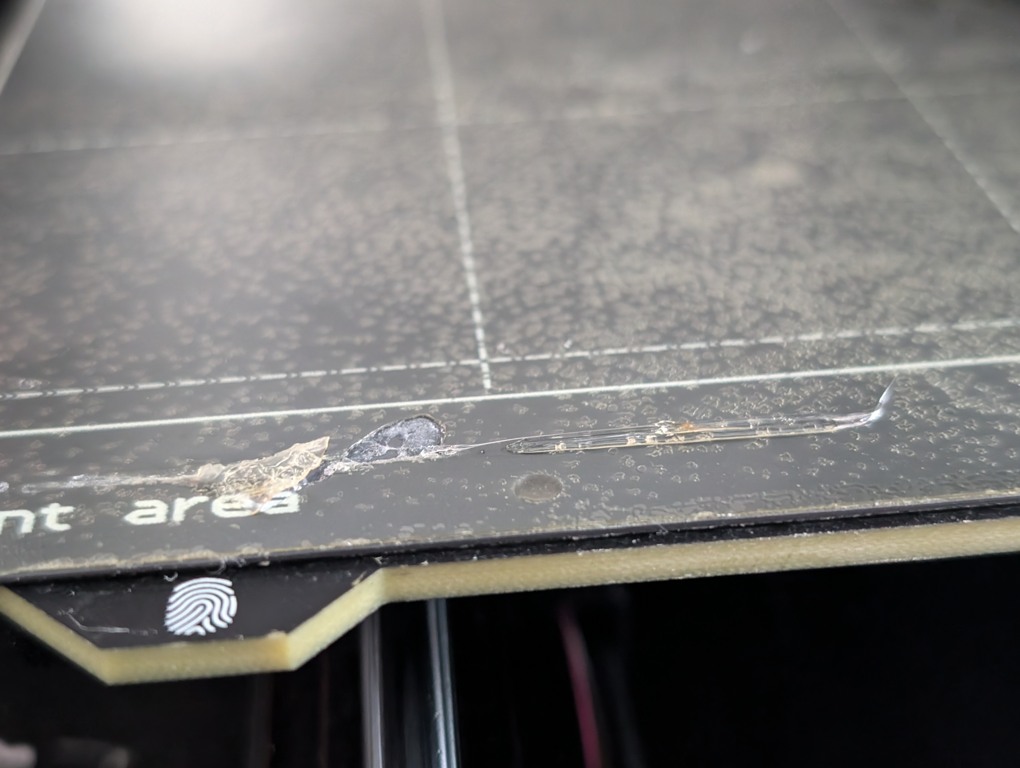
I've printed enough on my Prusa MK4S 3D printer that the location for the initial purge to clean the nozzle has ripped a layer off the bed. The fix is pretty simple but requires changing the G-code for your printer.
How to
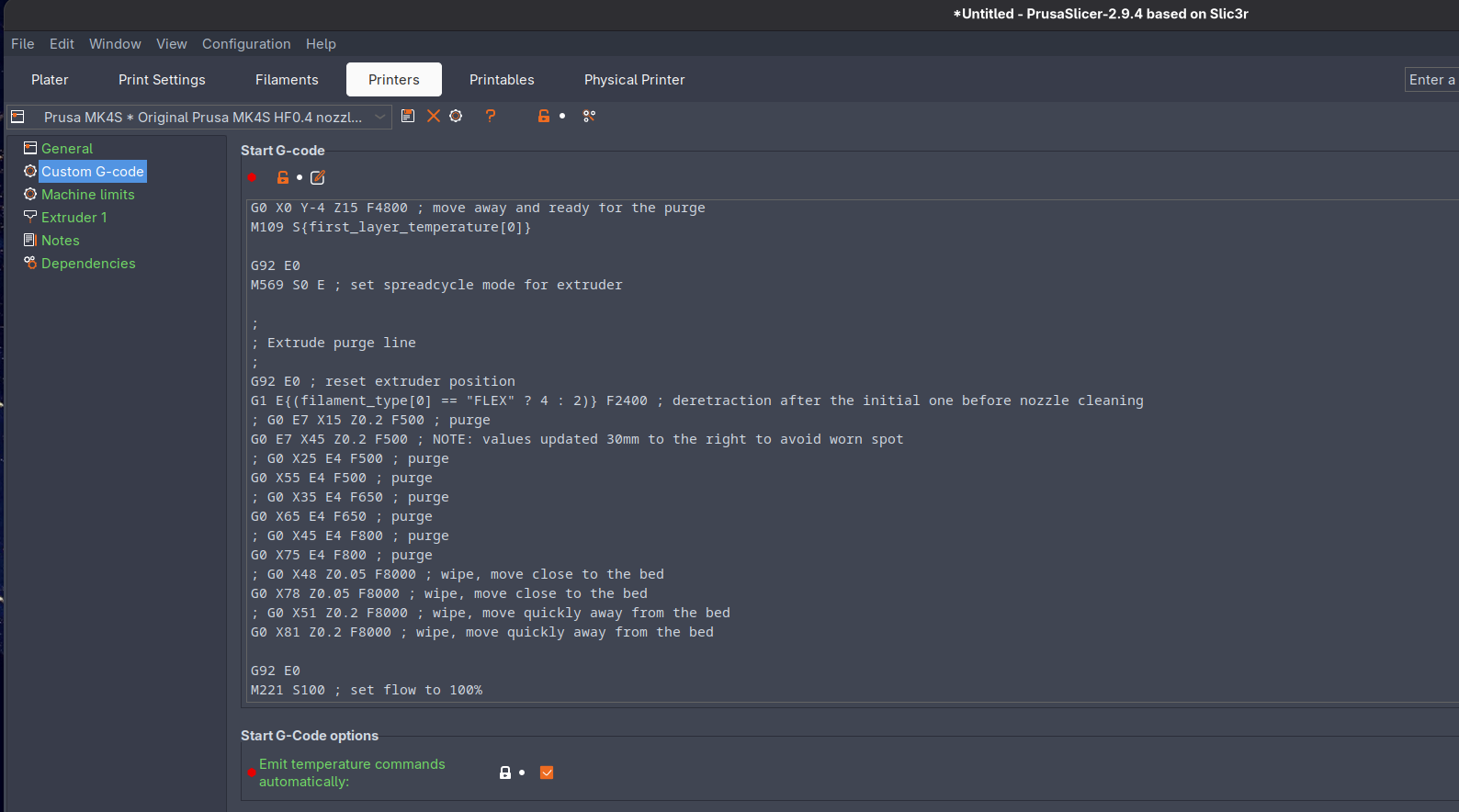
Under Printers -> Custom G-code -> Start G-code, if you scroll down a bit, you'll find the "Extrude purge line" section. Here I've updated it to shift 40mm to the right (leaving in the original lines as comments for reference):
;
; Extrude purge line
;
G92 E0 ; reset extruder position
G0 X40 ; NEW: added instruction to move 40mm before extruding
G1 E{(filament_type[0] == "FLEX" ? 4 : 2)} F2400 ; deretraction after the initial one before nozzle cleaning
; G0 E7 X15 Z0.2 F500 ; purge
G0 E7 X55 Z0.2 F500 ; purge (shifted right 40mm)
; G0 X25 E4 F500 ; purge
G0 X65 E4 F500 ; purge (shifted right 40mm)
; G0 X35 E4 F650 ; purge
G0 X75 E4 F650 ; purge (shifted right 40mm)
; G0 X45 E4 F800 ; purge
G0 X85 E4 F800 ; purge (shifted right 40mm)
; G0 X48 Z0.05 F8000 ; wipe, move close to the bed
G0 X88 Z0.05 F8000 ; wipe, move close to the bed (shifted right 40mm)
; G0 X51 Z0.2 F8000 ; wipe, move quickly away from the bed
G0 X91 Z0.2 F8000 ; wipe, move quickly away from the bed (shifted right 40mm)
So, initial location of X15 -> X55, and so on.
In case it's not clear, here's a diff from my editor (left is old, right is new):

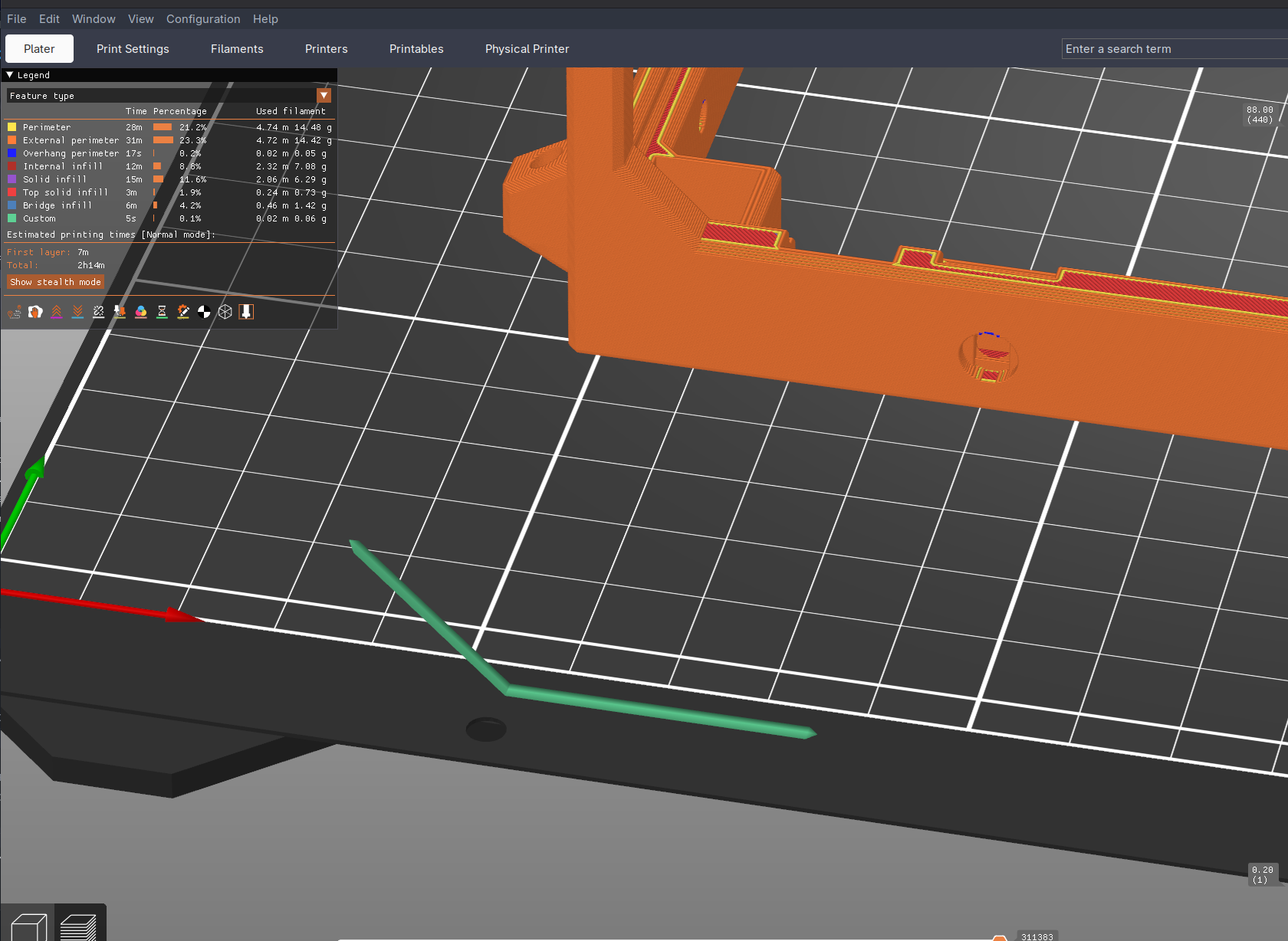
You can see the new location in the slicer:
Result
And now I don't need to buy a whole new plate:
(note: this photo was taken before I made some improvements - the new version above avoids the old worn spot even better)